Settings
https://owlfaceid.nanqing.cloud/esd/settings
Overview
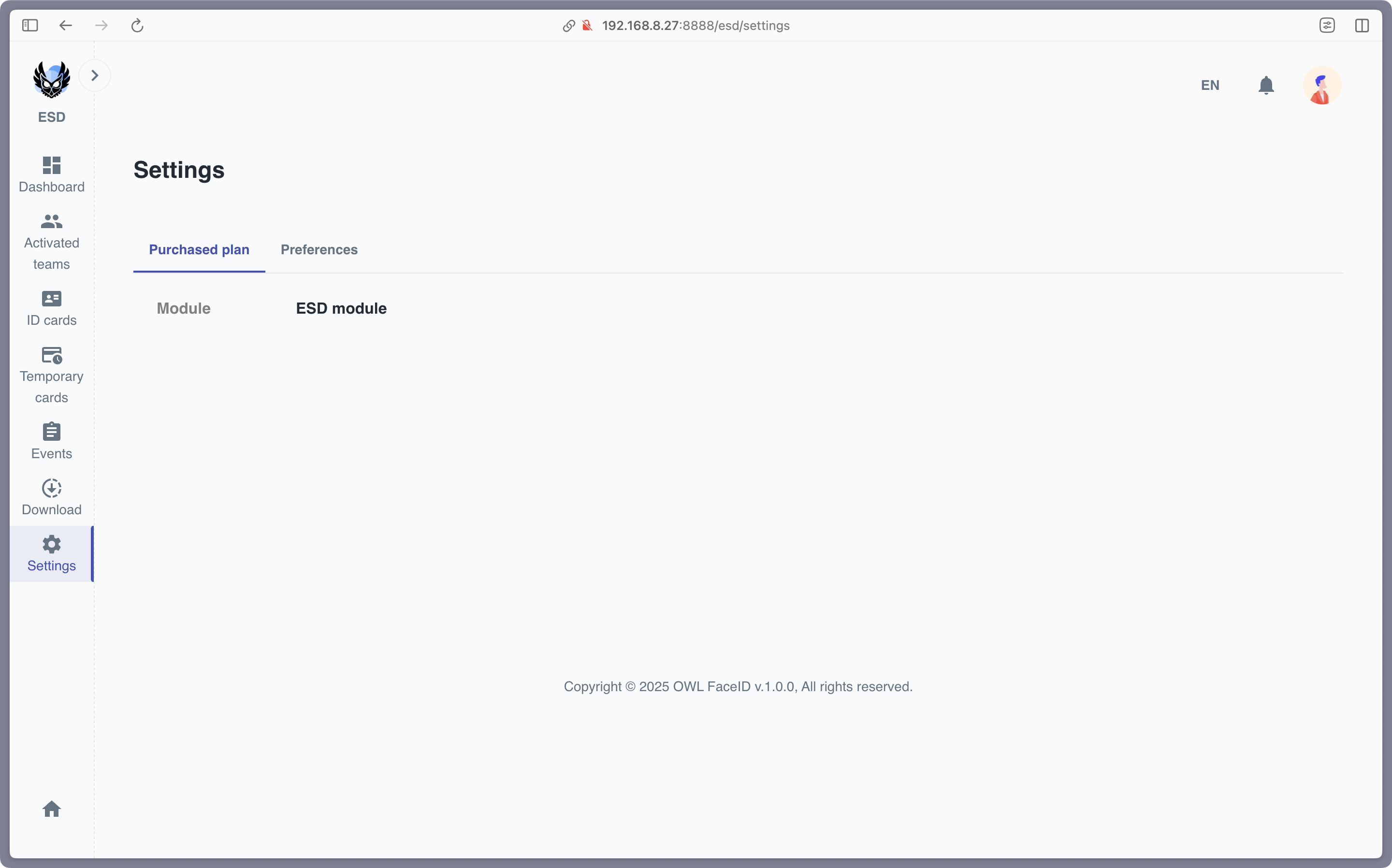
The Settings page in the ESD module allows administrators to configure key parameters for ESD compliance. These settings ensure that the system operates according to the organization's requirements.
Key Settings
-
Activated Teams
Administrators can select which teams are activated for ESD tracking. Only the selected teams will be monitored for ESD compliance.- Teams can be grouped by company for easier selection.
- Virtual teams (if applicable) are also supported.
-
Countdown Timer
Configure the countdown timer for ESD testing. This timer determines how long users have to complete the ESD test after initiating the process.- Available options: 0, 5, 10, 15, 20, 30, 40, 50, 60 seconds.
How to Update Settings
- Navigate to the Settings page.
- Use the dropdown menus to:
- Select the Activated Teams.
- Set the Countdown Timer for ESD testing.
- Click Apply to save the changes.
Note: Only users with admin privileges can access and modify the settings.